Monthly WordPress Maintenance: Why Updating Plugins Without Cloud Backups Is a Ticking Time Bomb
The reality of WordPress updates: 500 errors and peak-hour outages. Why your business needs preventive technical support backed by a formal SLA.
The innocent click that can take down your online store in 3 seconds
It is Monday morning at your company. Your marketing coordinator or an administrative assistant logs into your WordPress admin dashboard and sees a list of 12 red notifications indicating outdated plugins. With the best intentions—believing it to be a routine chore—they click the "Update All" button.
Three seconds later, the screen turns blank, displaying the dreaded message: "There has been a critical error on this website" or an HTTP 500 server error. The online store stops working, customers trying to check out hit an error, and the sales team's phone rings nonstop with complaints. Worst of all: nobody knows which plugin caused the crash, there is no recent backup, and the freelance developer who built the site a year ago no longer answers messages.
This scenario is no exaggeration—it happens every single week at hundreds of Peruvian companies. WordPress is an extraordinary platform, but it is a living ecosystem where every plugin, theme, and core version interacts with complex language (PHP) and database (MySQL) dependencies.
In this article, we explain why maintaining a corporate website is not a mechanical task for amateurs, and outline the professional support protocol your company should require to guarantee 99.9% continuous uptime.
Why do WordPress updates break?
Catastrophic website crashes after updating components are primarily caused by three incompatibility factors:
1. Server PHP Version Upgrades: Modern servers periodically upgrade to faster, more secure versions like PHP 8.2 or 8.3, removing deprecated legacy functions. If an outdated plugin on your store contains obsolete code that is no longer compatible, the server crashes instantly.
2. Conflicts Between Third-Party Plugins: Your payment gateway plugin might release an update that conflicts with your shipping plugin or your site's visual theme.
3. Direct Code Edits Without Child Themes: If the original developer modified files directly inside the parent theme instead of creating a child theme, updating the theme wipes out all customizations, WhatsApp buttons, and brand styling in one stroke.
The Professional Preventive Maintenance Protocol
At Conexión Digital MM, monthly support and maintenance never means "blindly clicking update." We follow a 4-stage engineering protocol:
1. Redundant Backup Prior to Any Change
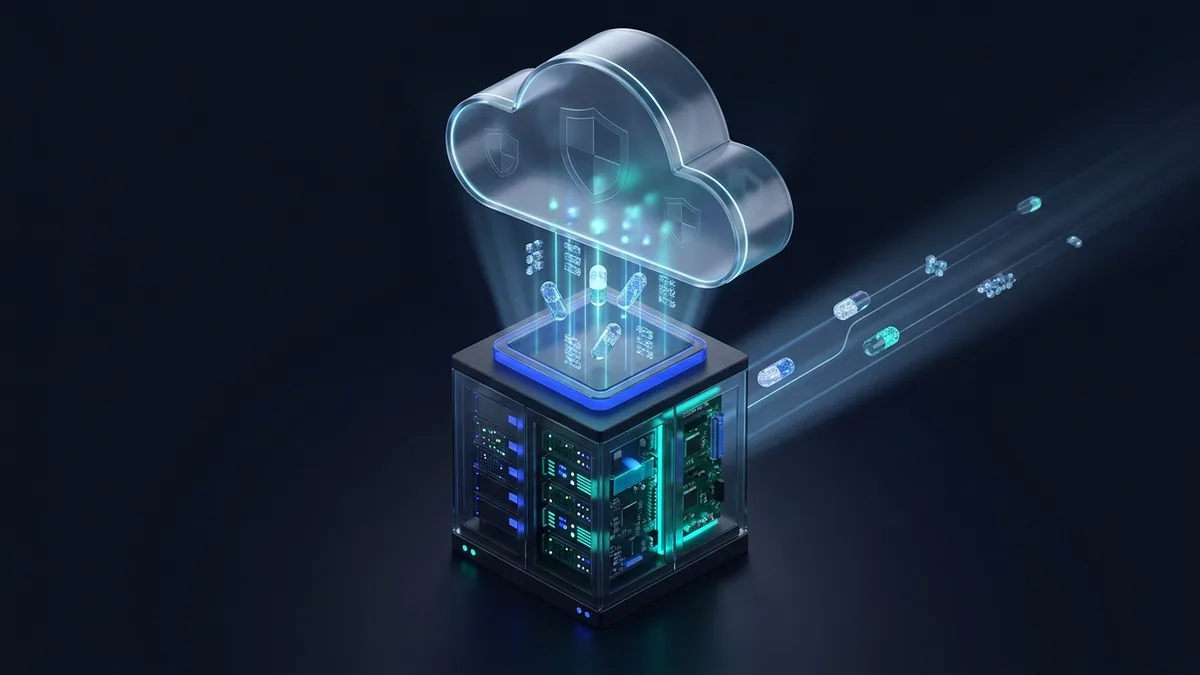
Before modifying a single file, we generate a complete, immutable backup of both the database and all site files, stored on secure off-site cloud servers (Cloudflare R2 / AWS S3). If anything unexpected happens, the site is restored to its exact prior state in under 5 minutes.
2. Updates in a Staging Environment
For e-commerce platforms and mission-critical sites, updates are never applied directly to the live production server. We clone the site to a private staging server where updates are applied, real checkout flows are tested using sandbox payment gateways, and every button and form is verified to ensure nothing broke.
3. Deployment During Low-Traffic Windows
Approved updates are rolled out to production overnight or during minimal-traffic windows for Peruvian customers, ensuring zero disruption during peak sales hours.
4. 24/7 Uptime and Availability Monitoring
We deploy monitoring probes that check website status every 60 seconds from multiple geographic nodes. If the site ever goes down, our on-call engineering team receives immediate priority alerts to intervene urgently—before your customers even notice.
The importance of a formal Service Level Agreement (SLA)
When hiring support for your company's web platform, the most important three letters in the contract are SLA (Service Level Agreement):
Conclusion
Your company's website is a commercial asset that generates revenue and projects your reputation across the Peruvian market. Leaving it unmaintained for months is the equivalent of never changing the oil in your logistics fleet: sooner or later, it will suffer a major breakdown at the worst possible moment. At Conexión Digital MM, we offer support and maintenance plans with a guaranteed SLA so you can focus on selling while we safeguard your technology.